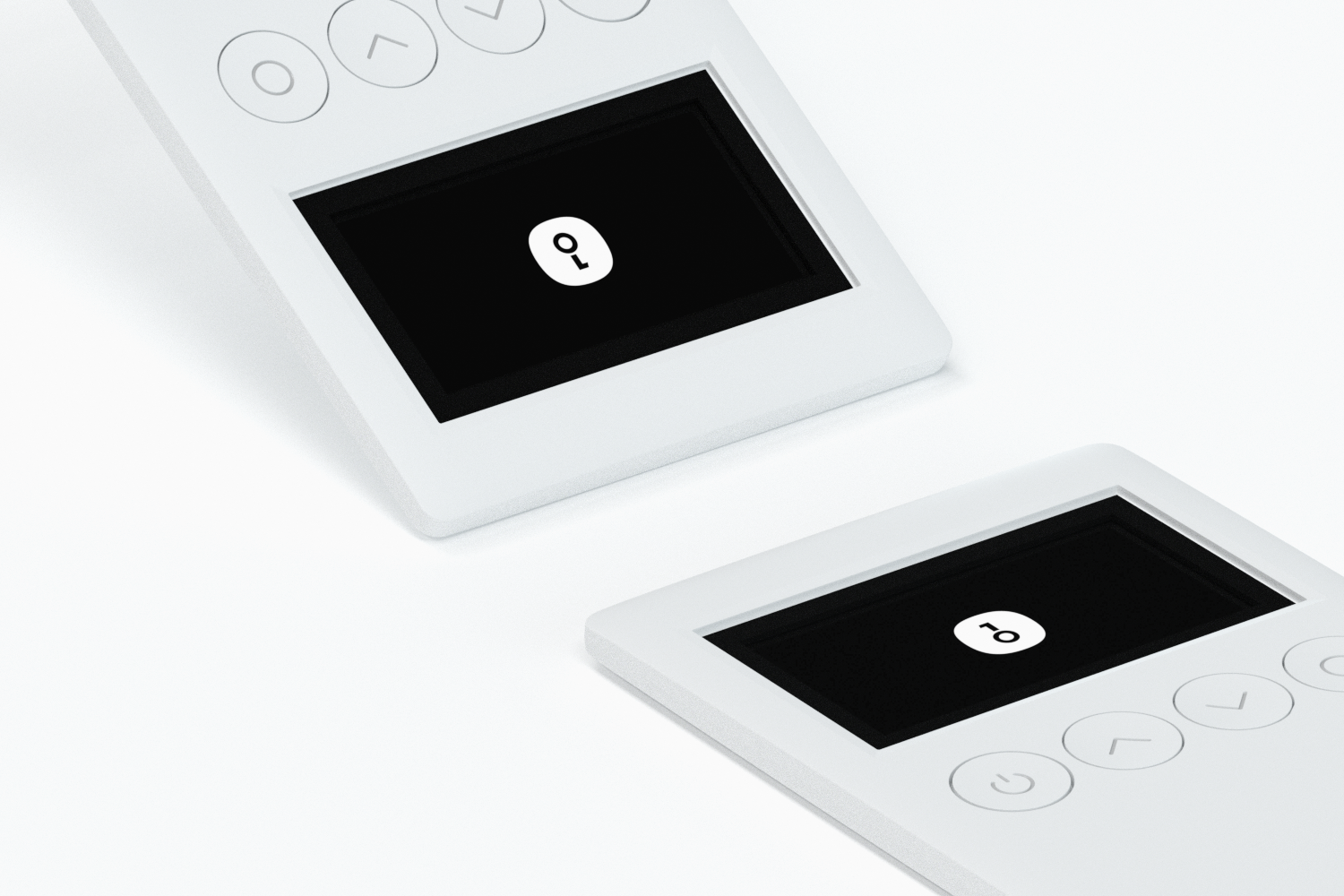
OneKey Classic 1S PURE
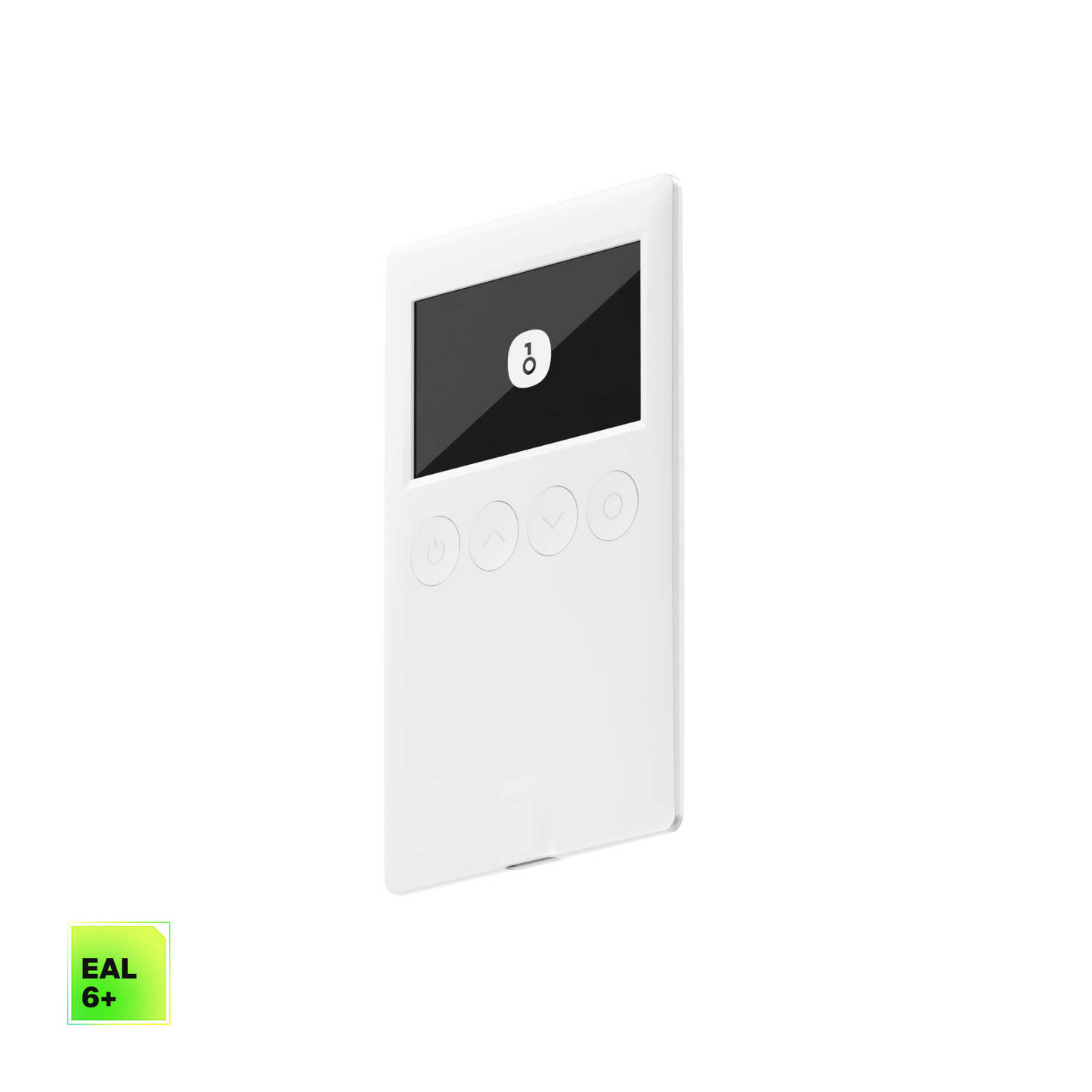
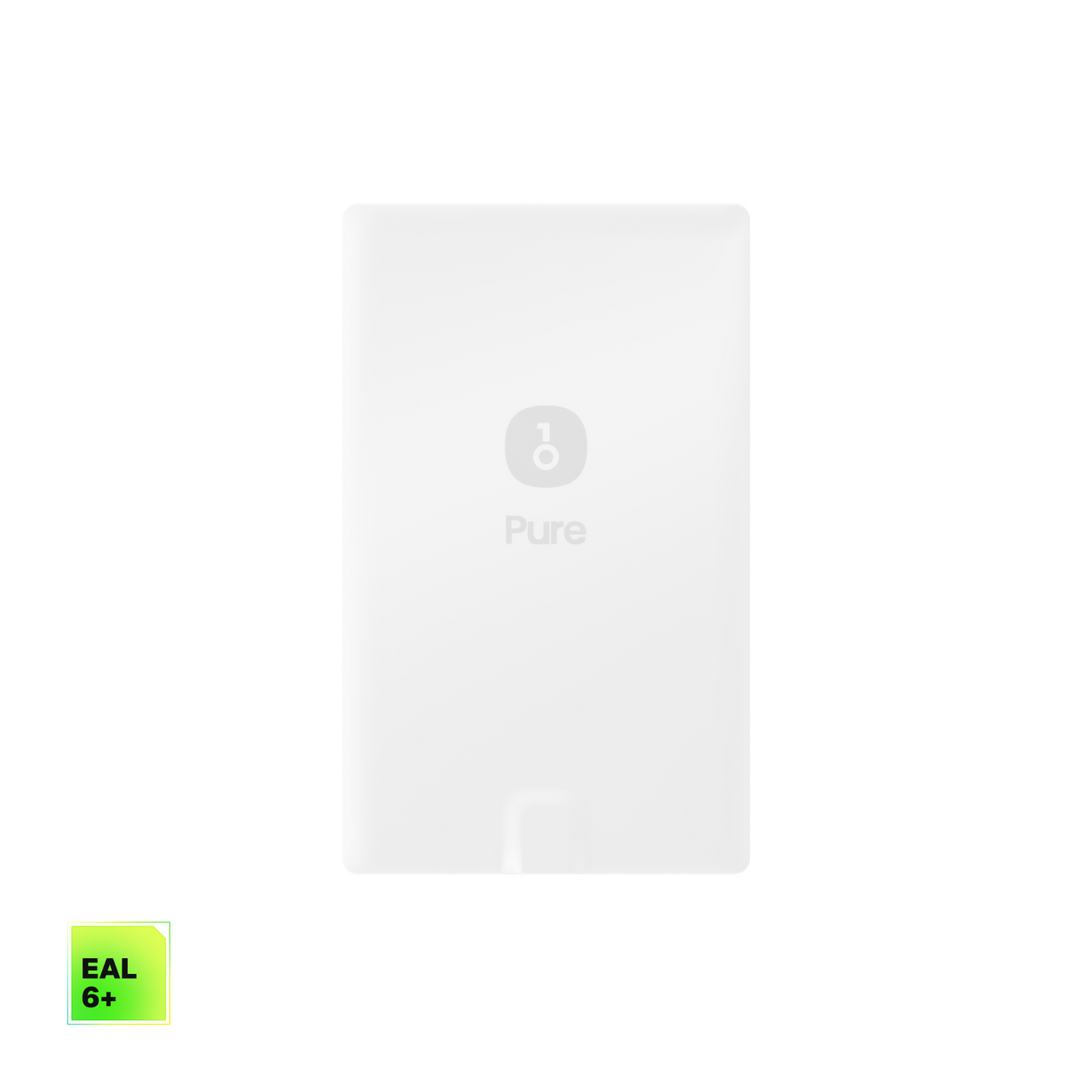
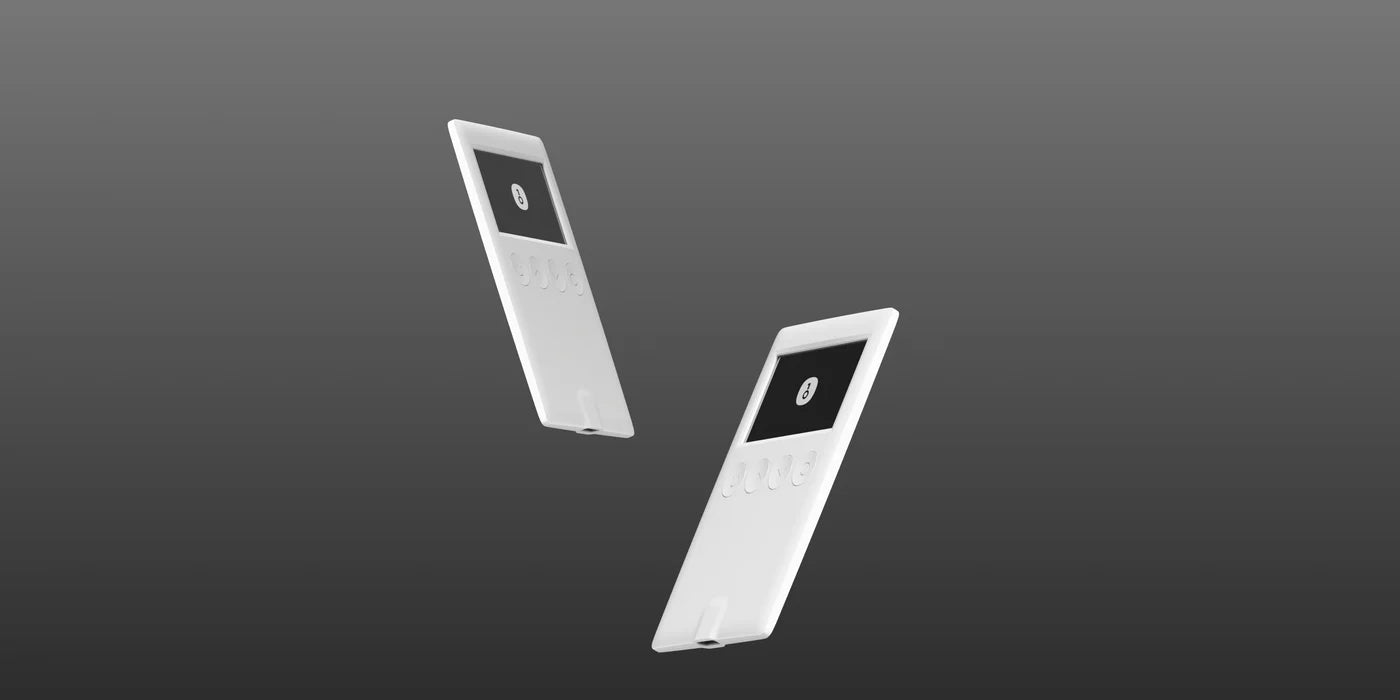
Mini size, safety without compromise.
Couldn't load pickup availability

Verbunden, wann und wo immer du willst.
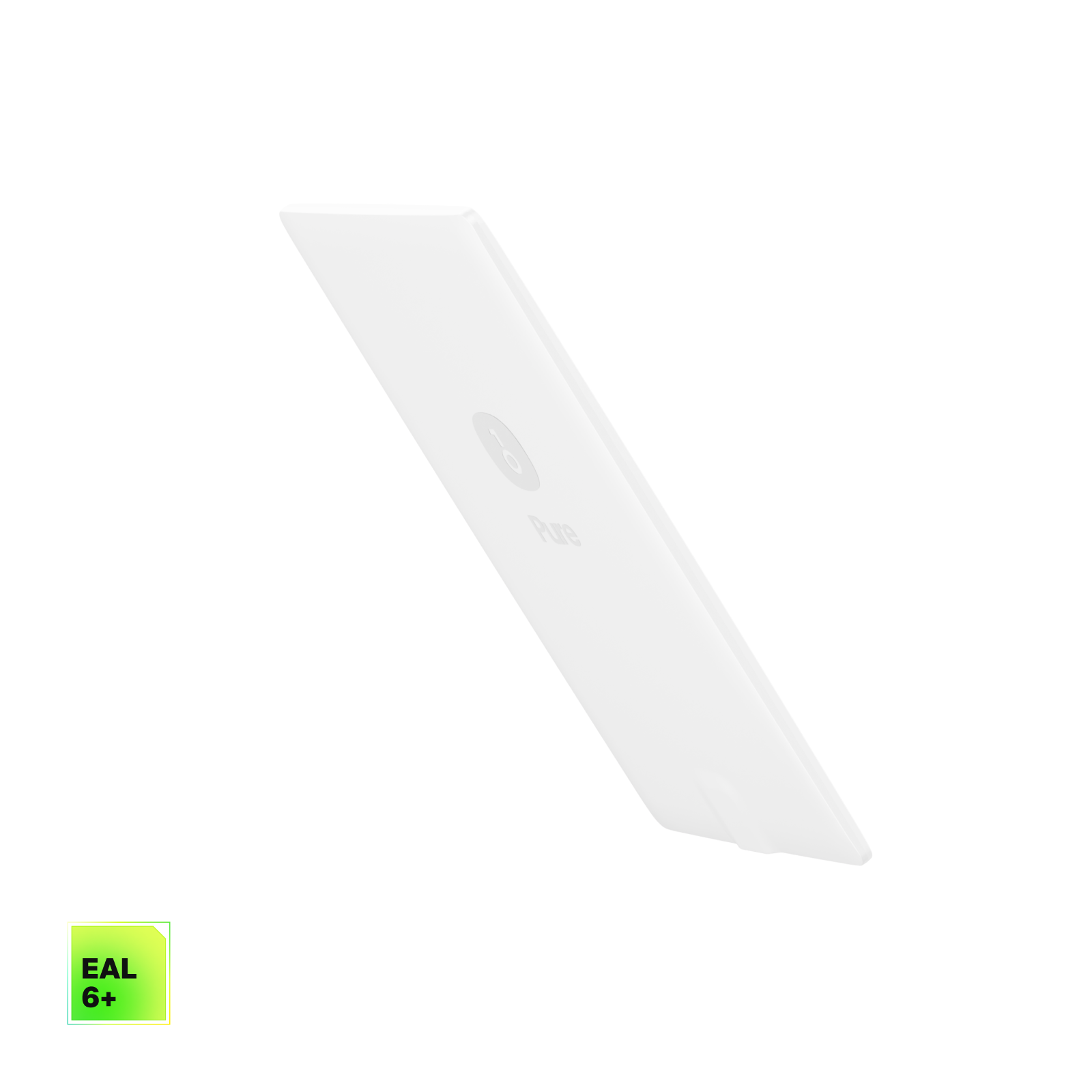
Ultralight
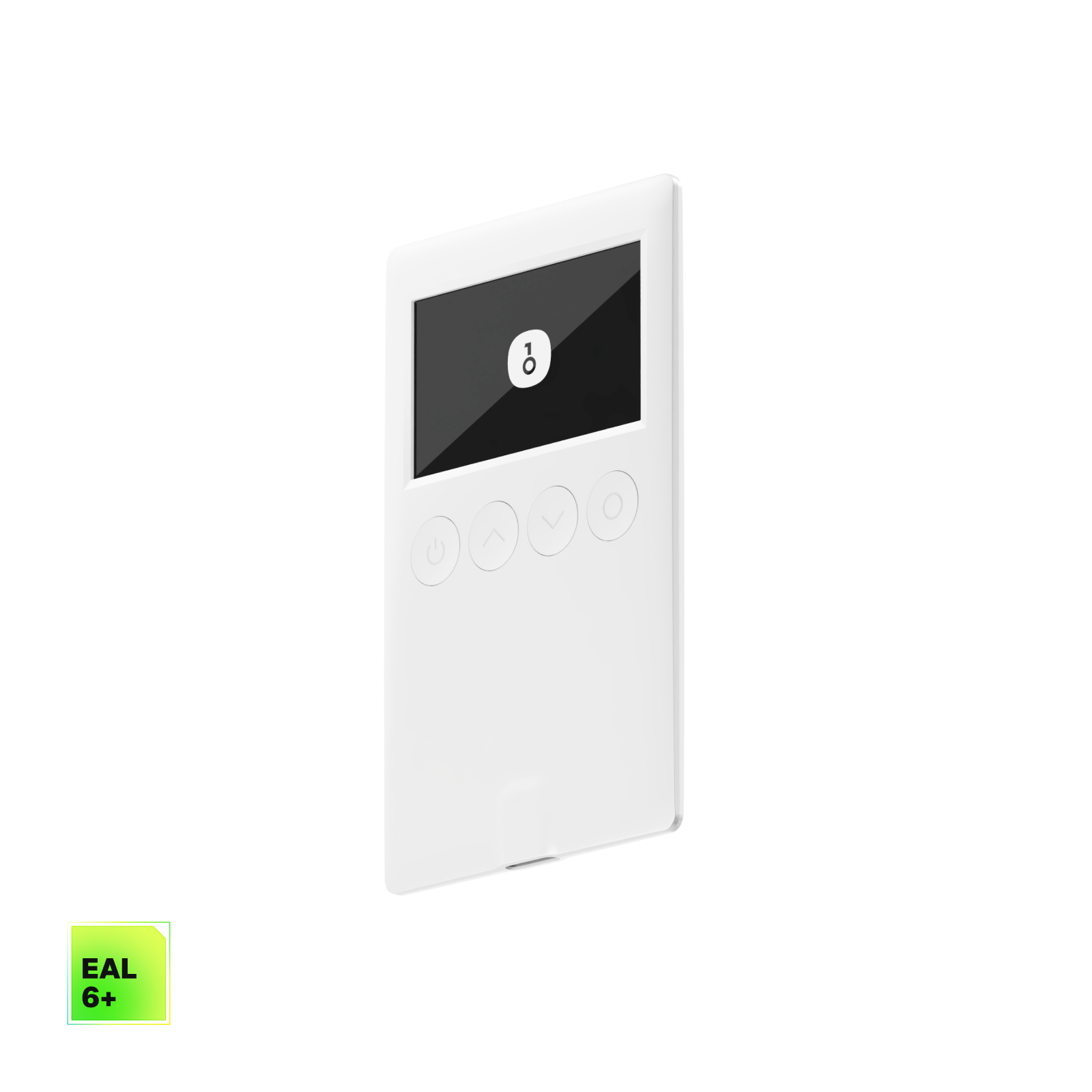
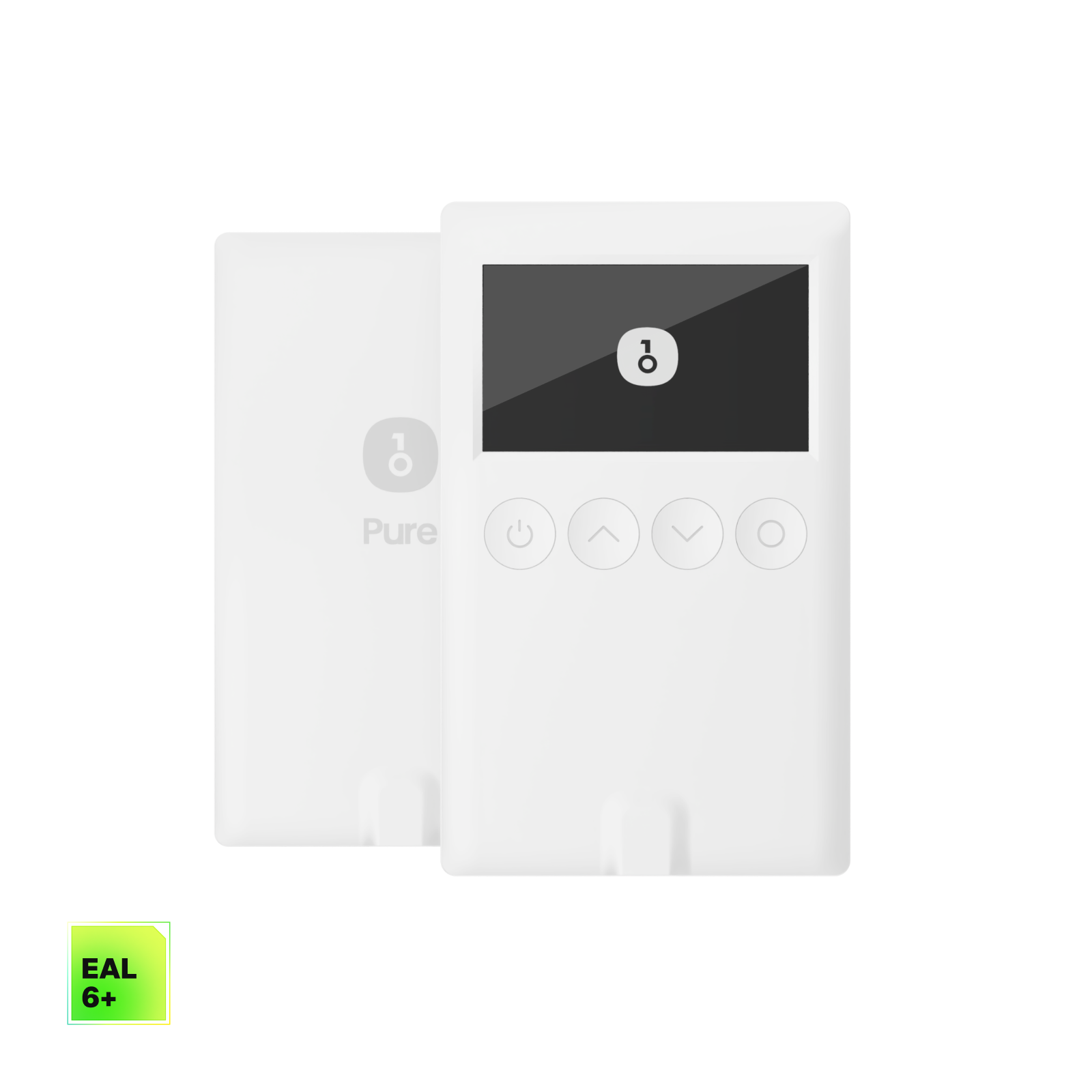
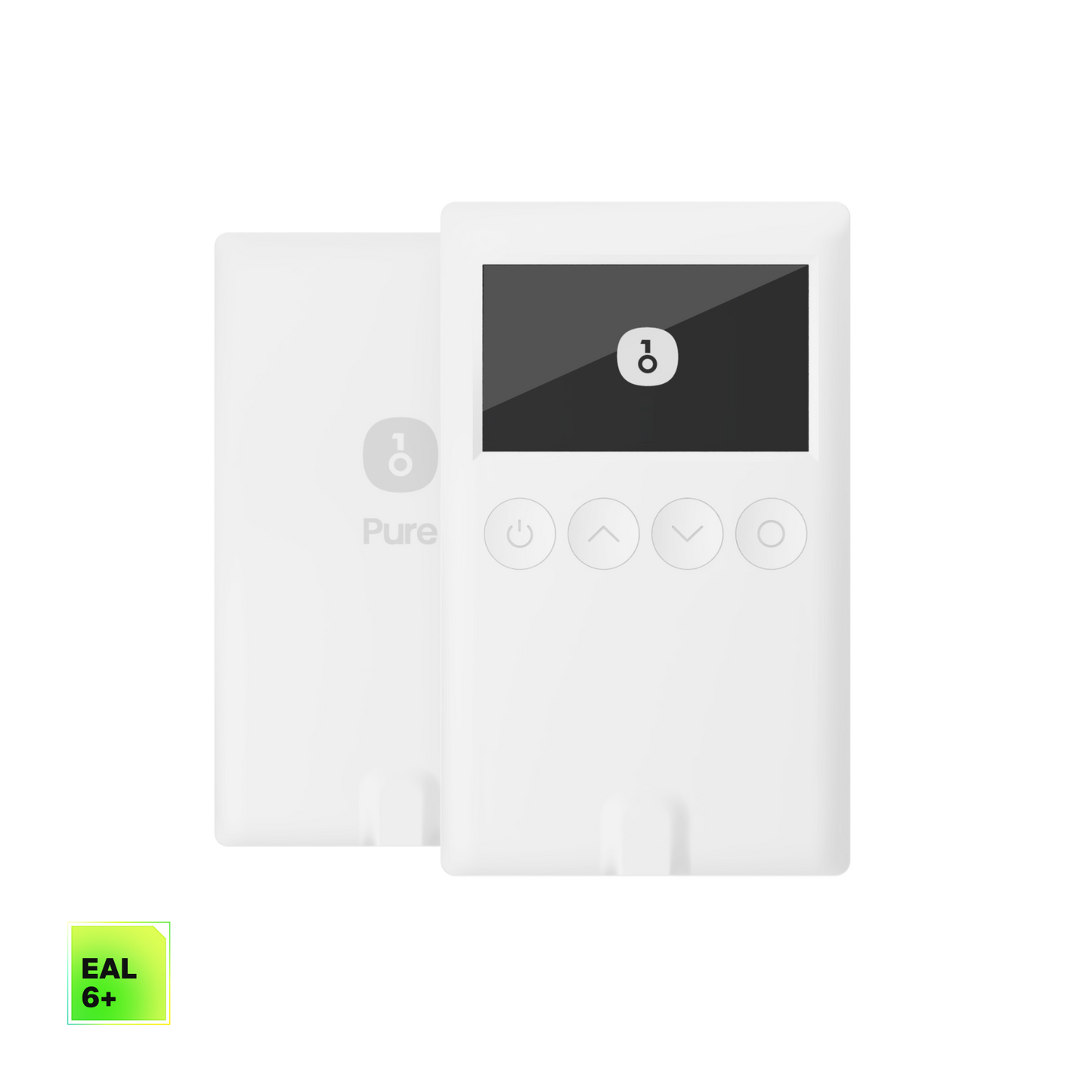
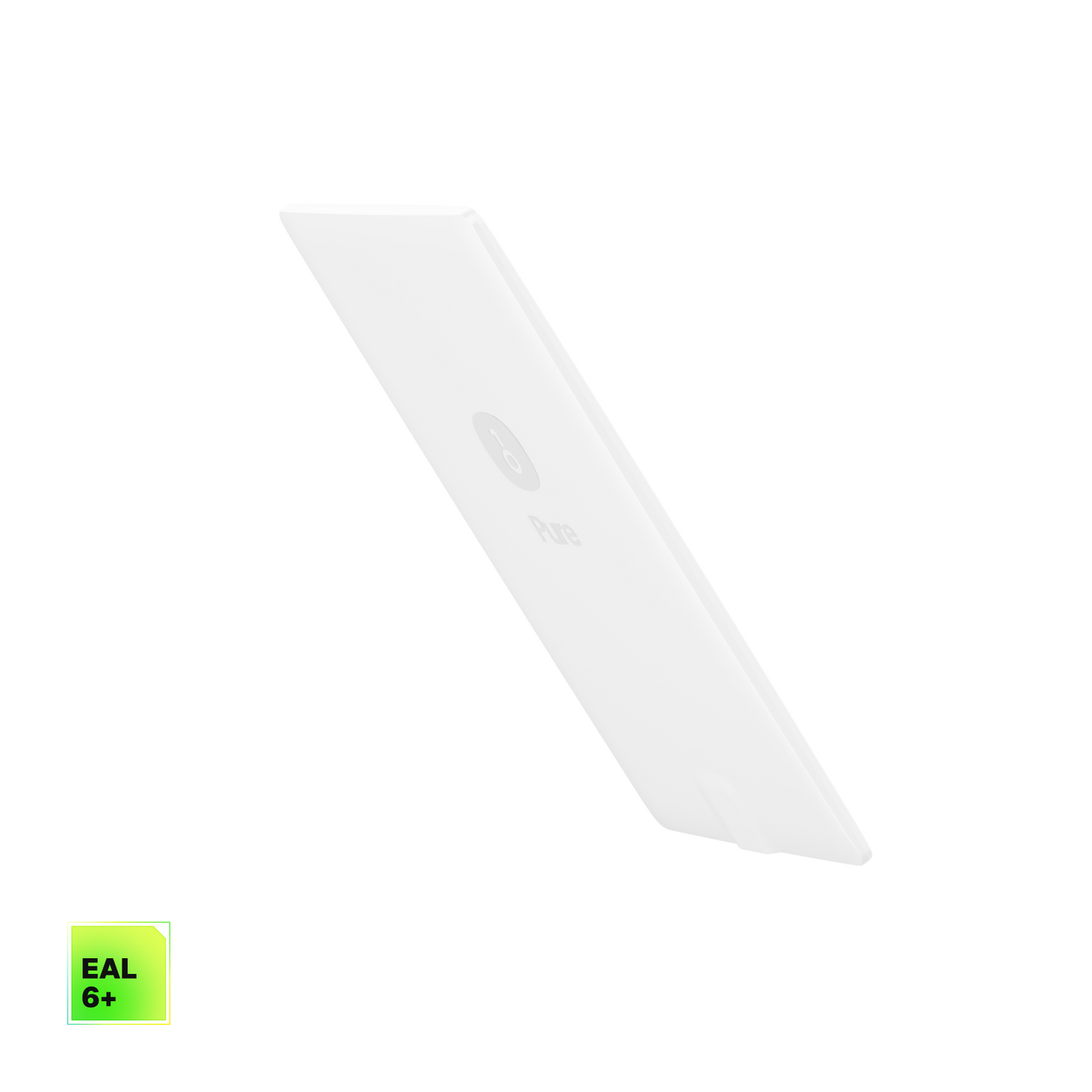
With a thickness of 5.2 mm and a weight of only 18.3 g, it is so light that you can easily put it in your wallet.
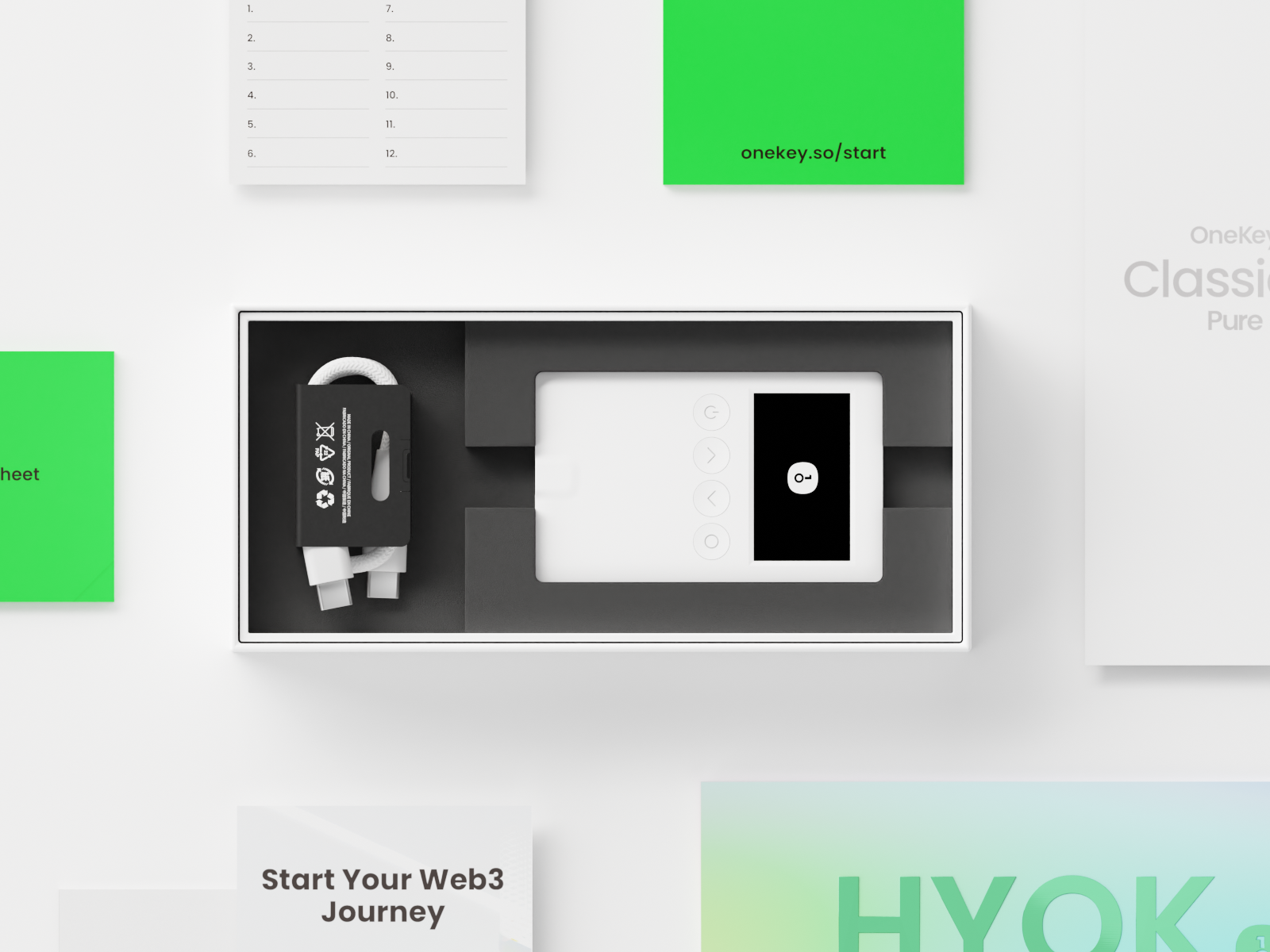
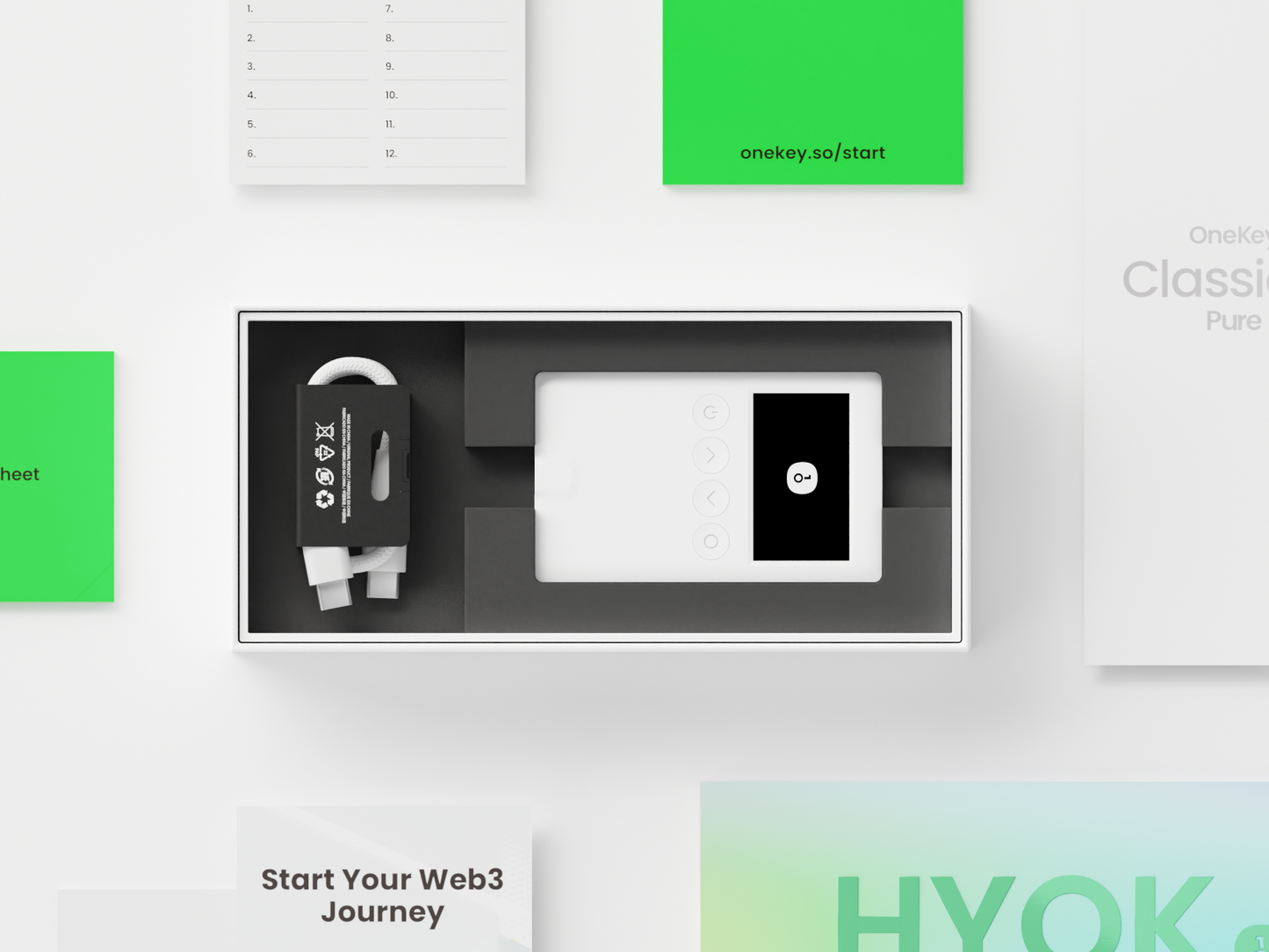
Everything you need to protect your crypto.
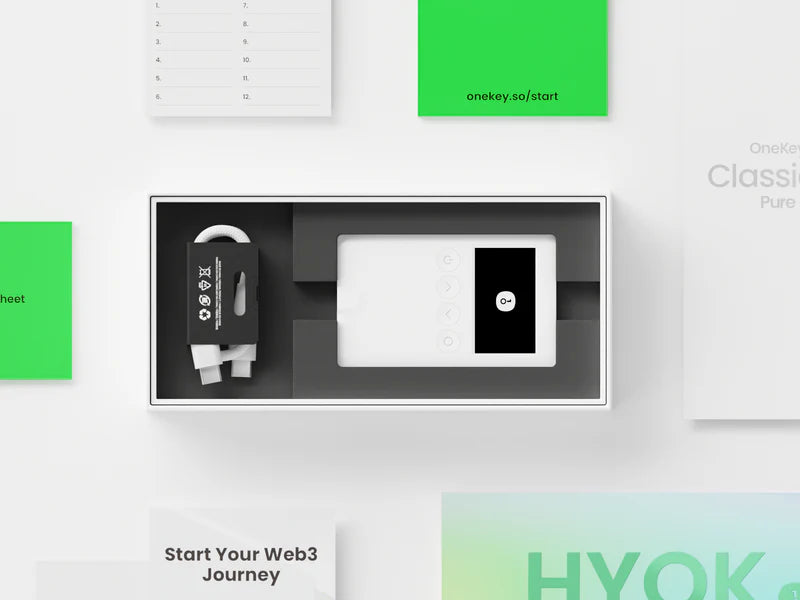
OneKey Classic 1S
USB Type-C cable
Recovery Sheet x3
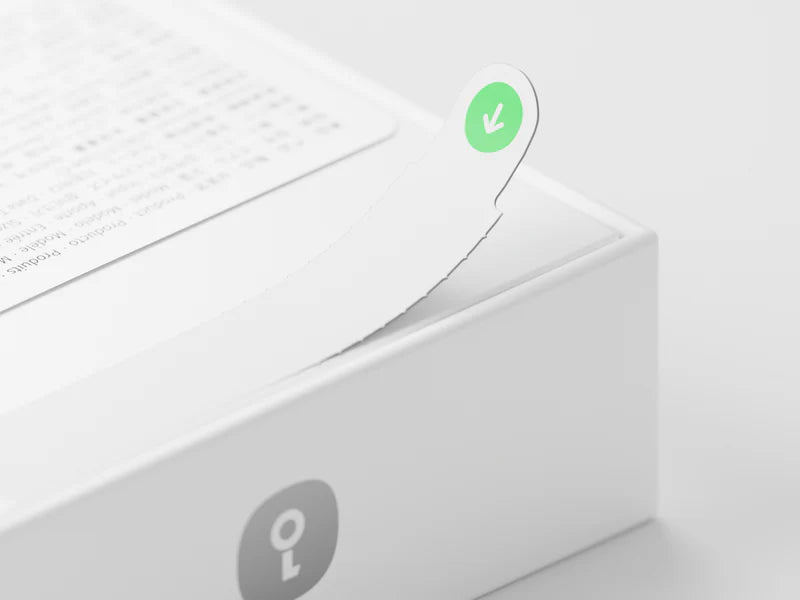
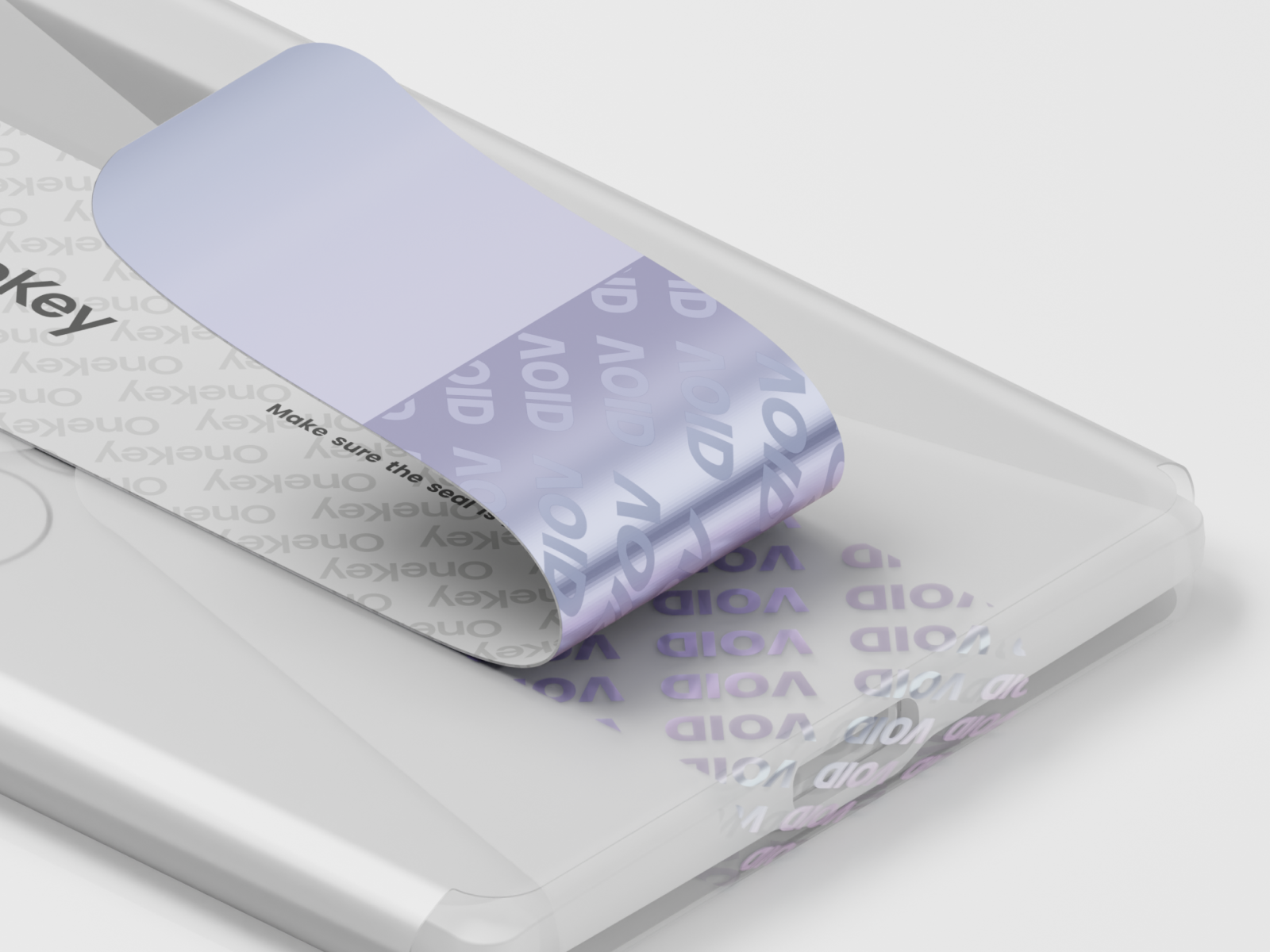
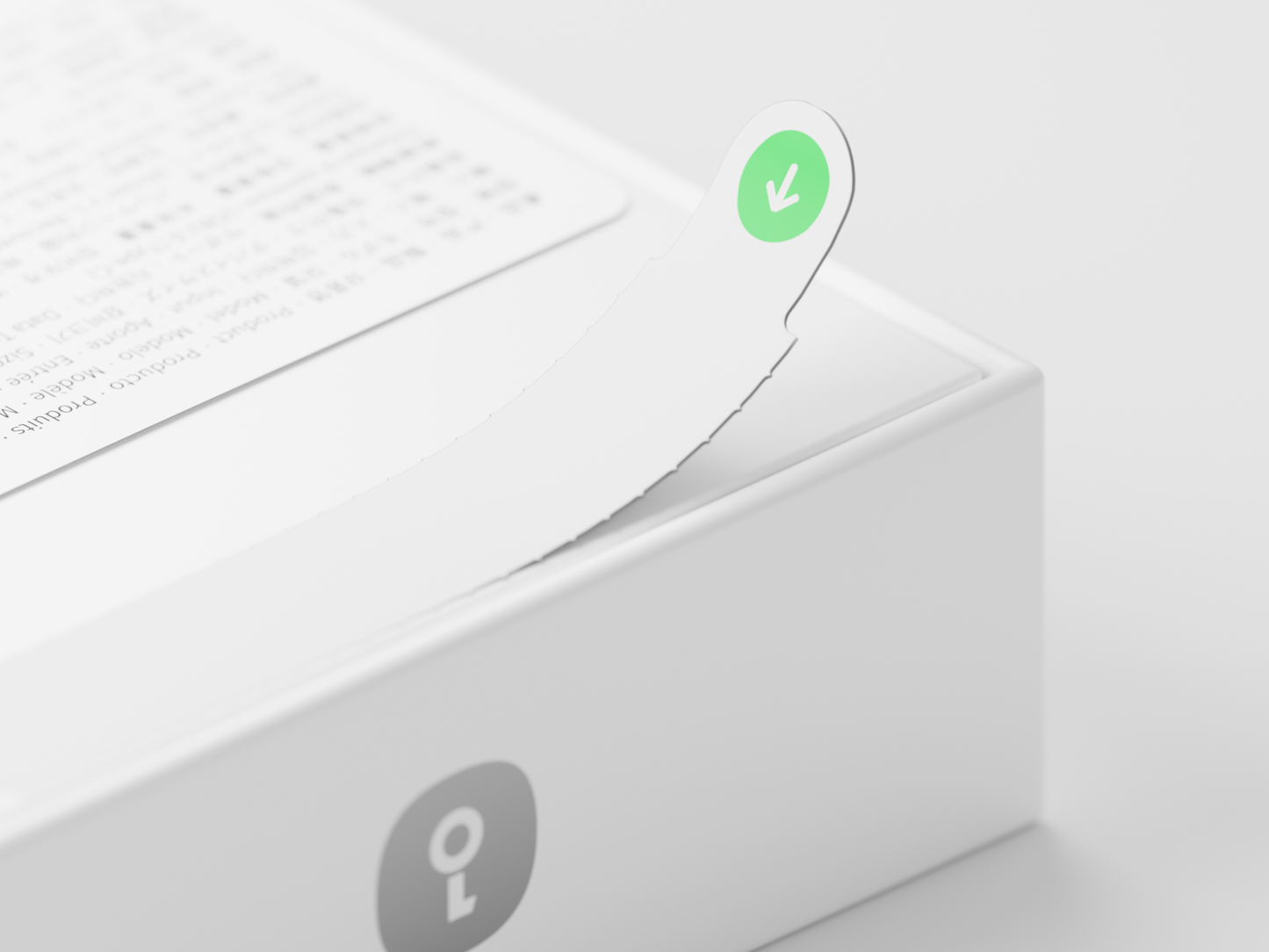
It's easy to see who opens the box first.
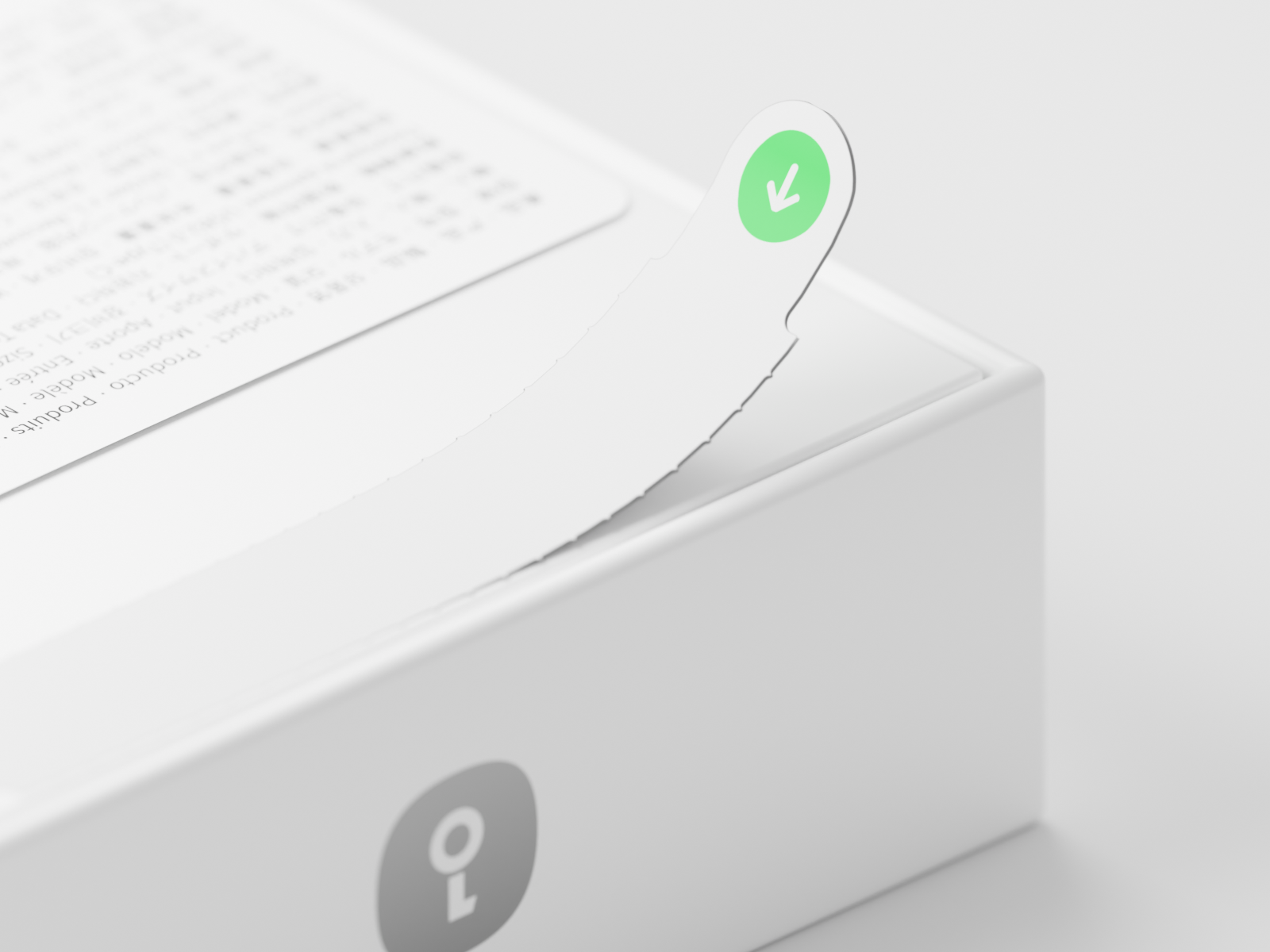
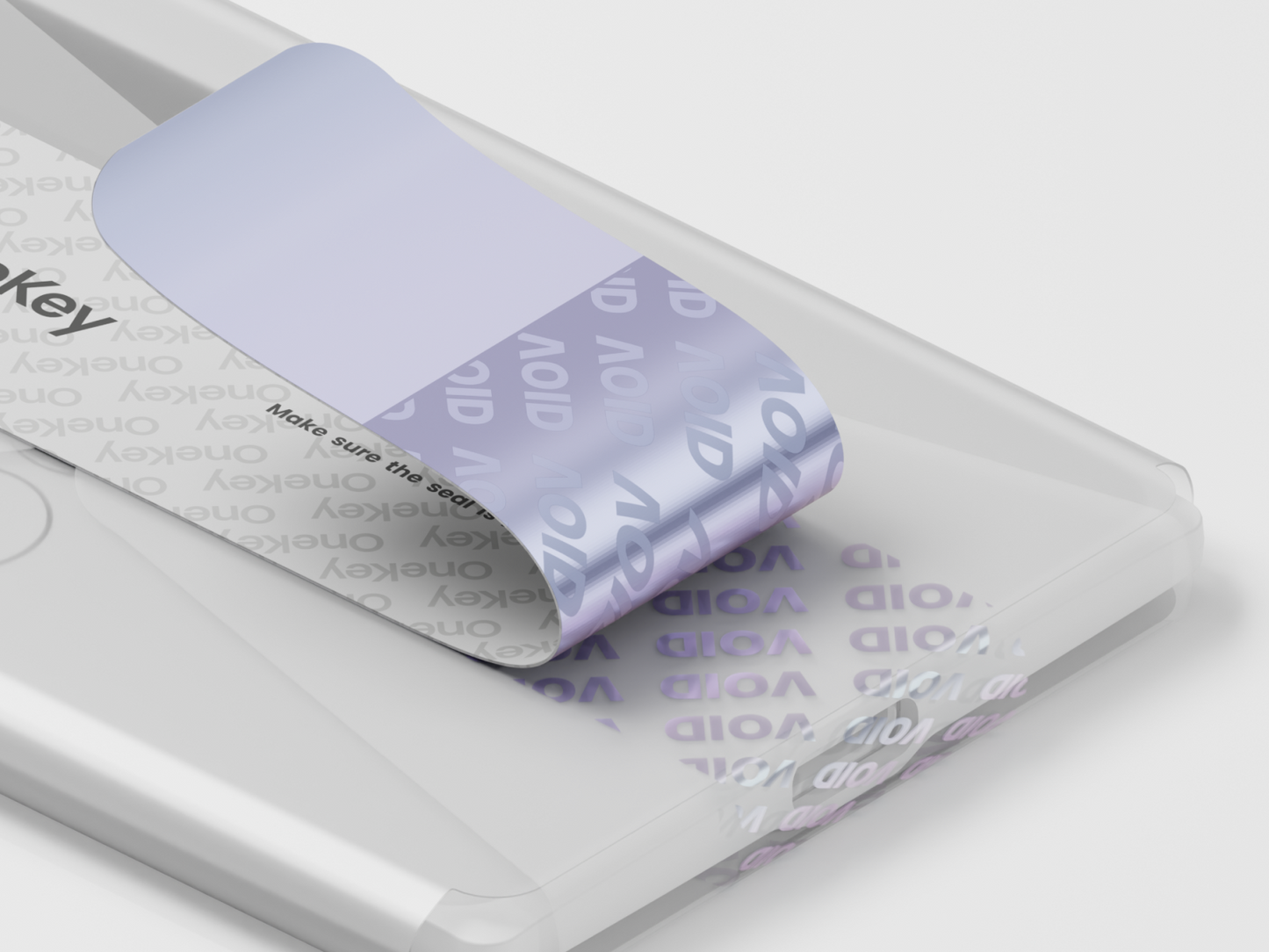
Self-destruct labels let you see immediately if you're the first person to open the box.
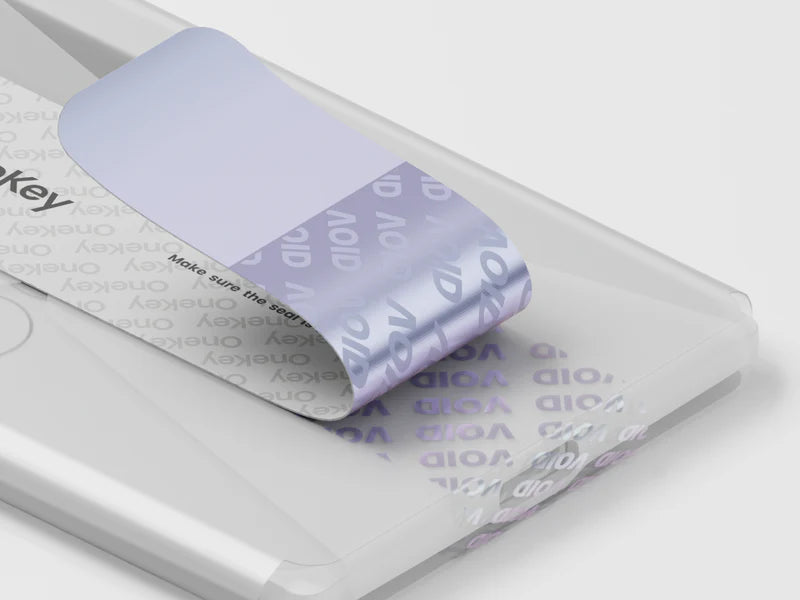
Securely sealed. Only you can open it first.
The security seal immediately shows you whether the packaging is intact. This way you know that you alone will have the hardware wallet in your hands first – even after a customs inspection.
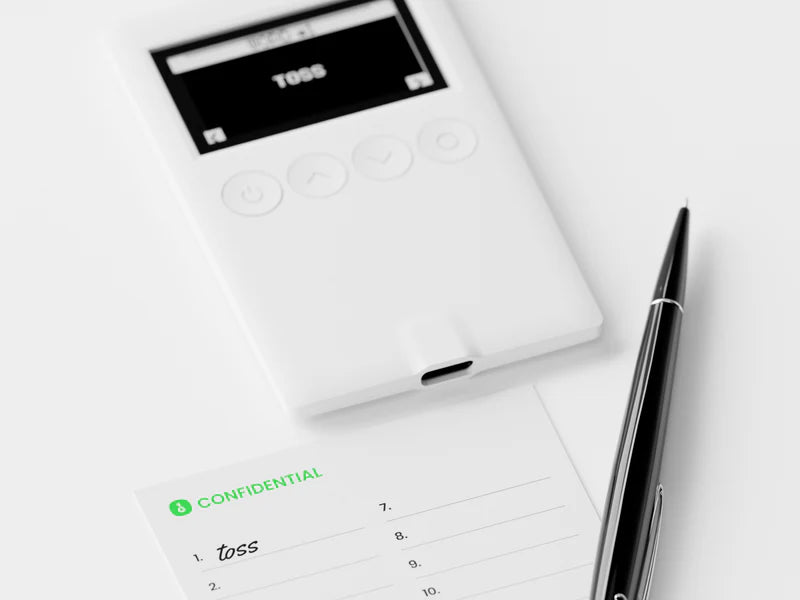
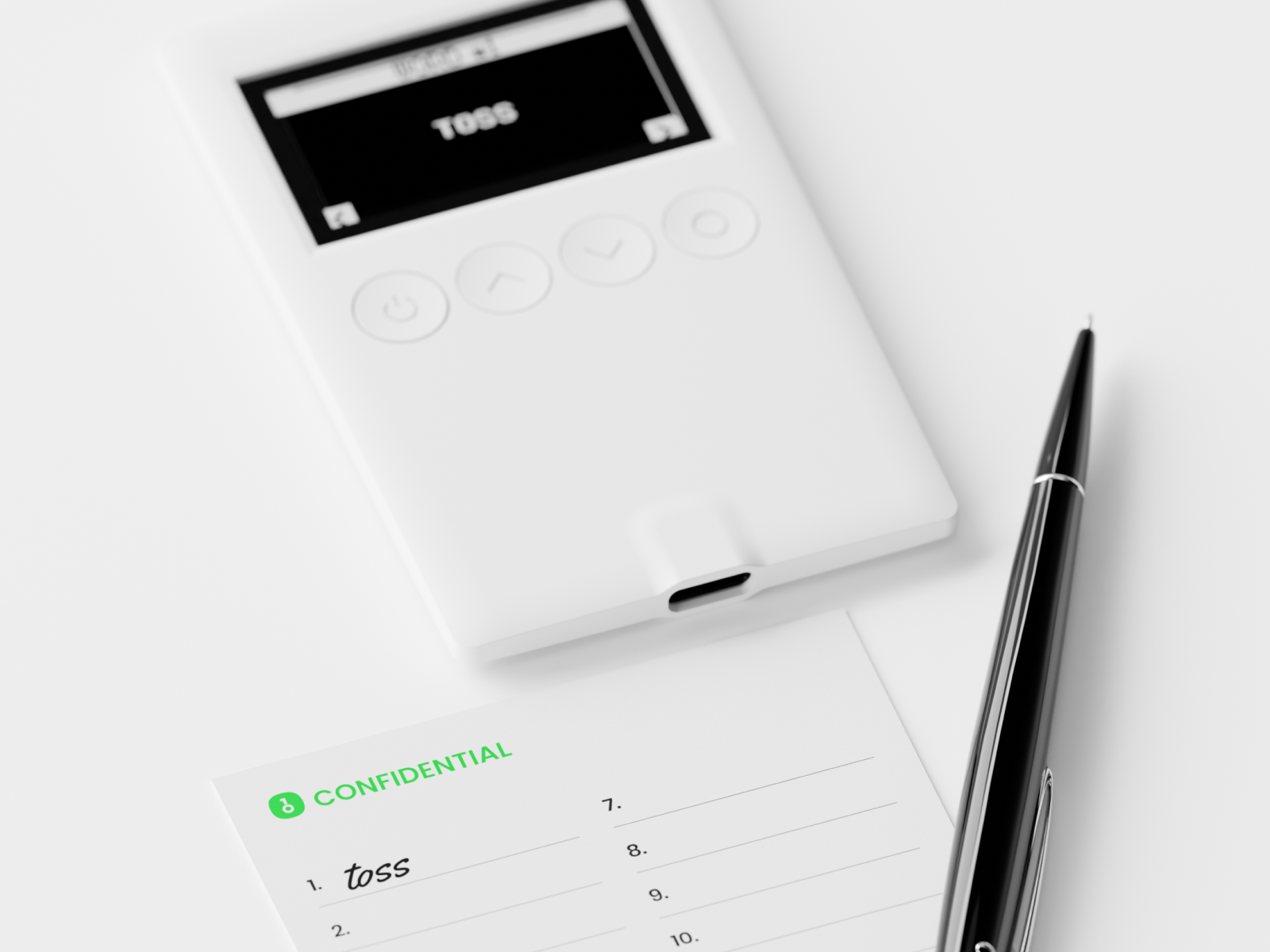
Your Web3 homework.
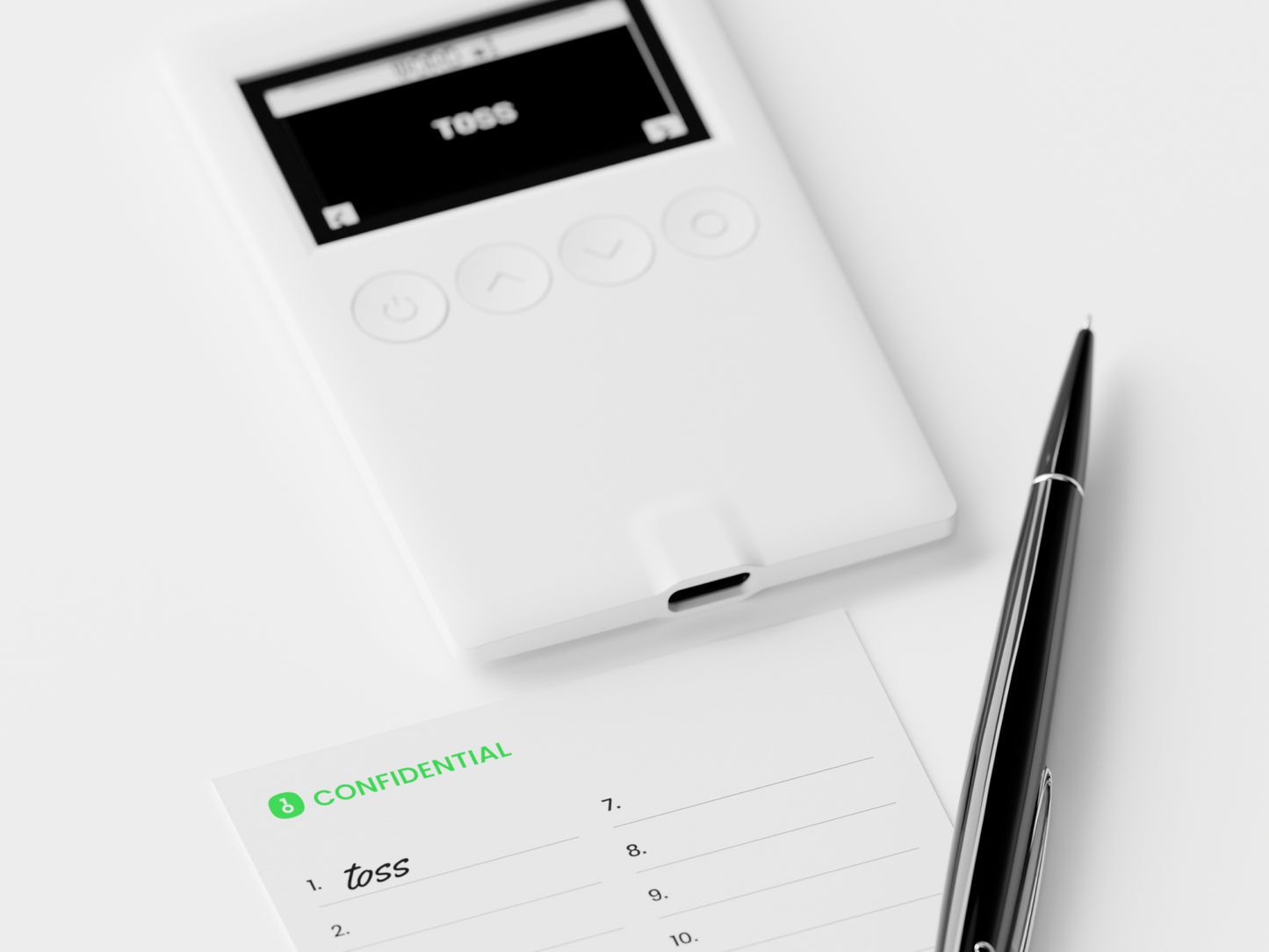
Inside the envelope are three recovery cards. Your task: Copy the phrase, fill out all the cards, and store them safely.
FAQ
Why do I need a hardware wallet?
The best way to protect your cryptocurrency is to use a hardware wallet, which stores private keys offline, making them independent of third parties and resistant to online threats. Software wallets store private keys on internet-connected systems and are therefore vulnerable to various attacks.
The OneKey Classic 1S is a pocket-sized hardware wallet with the highest security level, EAL6+. Combined with the OneKey app, you can securely buy, exchange, and grow your cryptocurrency.
What is the difference between OneKey Pro and OneKey Classic 1S?
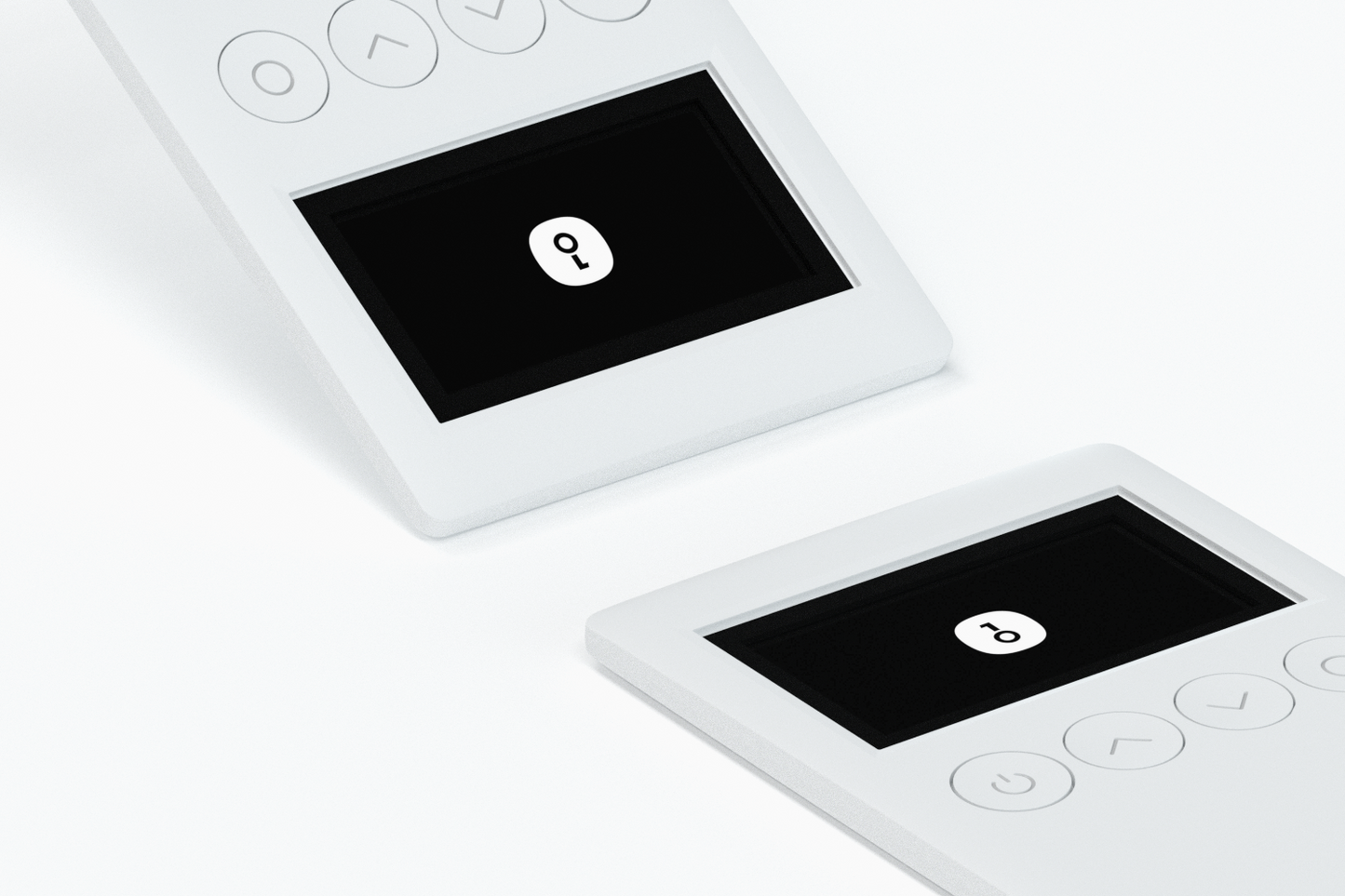
The OneKey Classic 1S is equipped with two EAL6+ security chips and is operated via a black-and-white display and physical buttons. It is extremely portable, making it the perfect choice for users on a budget who value portability. The OneKey Pro, on the other hand, features a 3.5-inch color touchscreen and four EAL6+ security chips, offering superior security and advanced features such as AirGap connectivity, fingerprint unlocking, and wireless charging. This makes it ideal for users seeking both high security and convenience.
How do I transfer my money from an online exchange (such as Coinbase, Binance, etc.) to a OneKey Classic 1S?
First, connect your OneKey Classic 1S device, open the OneKey app, and enter your PIN. Next, select your receiving account and copy the wallet address. Then, go to your exchange, select the cryptocurrency, paste the address, and confirm the transaction to withdraw your funds.
Why should I use OneKey Classic 1S instead of storing my cryptocurrencies in an exchange?
Storing funds on a centralized exchange does not guarantee their absolute security. Online cryptocurrency exchanges hold substantial amounts of user funds and are therefore a prime target for hackers. Furthermore, poorly managed exchanges are at risk of bankruptcy and closure. Centralized exchanges also frequently misuse customer funds, so keeping your money on an exchange is not a wise decision.
Using a OneKey Classic 1S hardware wallet is the most secure way to store your cryptocurrency yourself. Hardware wallets offer offline storage of private keys and protect users from online threats to those keys. This approach ensures you have true control over your digital assets.
What happens if I lose/break my OneKey Classic 1S?
Don't panic! If you lose your OneKey Classic 1S or find that it's damaged and no longer starts up properly, it doesn't mean your crypto assets are lost. Your assets are stored on the blockchain. As long as you have your wallet's private key, you can buy a new OneKey hardware wallet and import your private key to restore your accounts.
Where can I buy a OneKey Classic 1S hardware wallet?
You can purchase the OneKey Classic 1S hardware wallet from the official OneKey Store or authorized OneKey resellers. Ordering through official channels ensures you receive a genuine OneKey Classic 1S. If you experience any issues with your OneKey Classic 1S hardware wallet, please don't hesitate to contact our official OneKey customer support.